
How two-factor authentication stopped an account takeover on DT's Messaging Portal

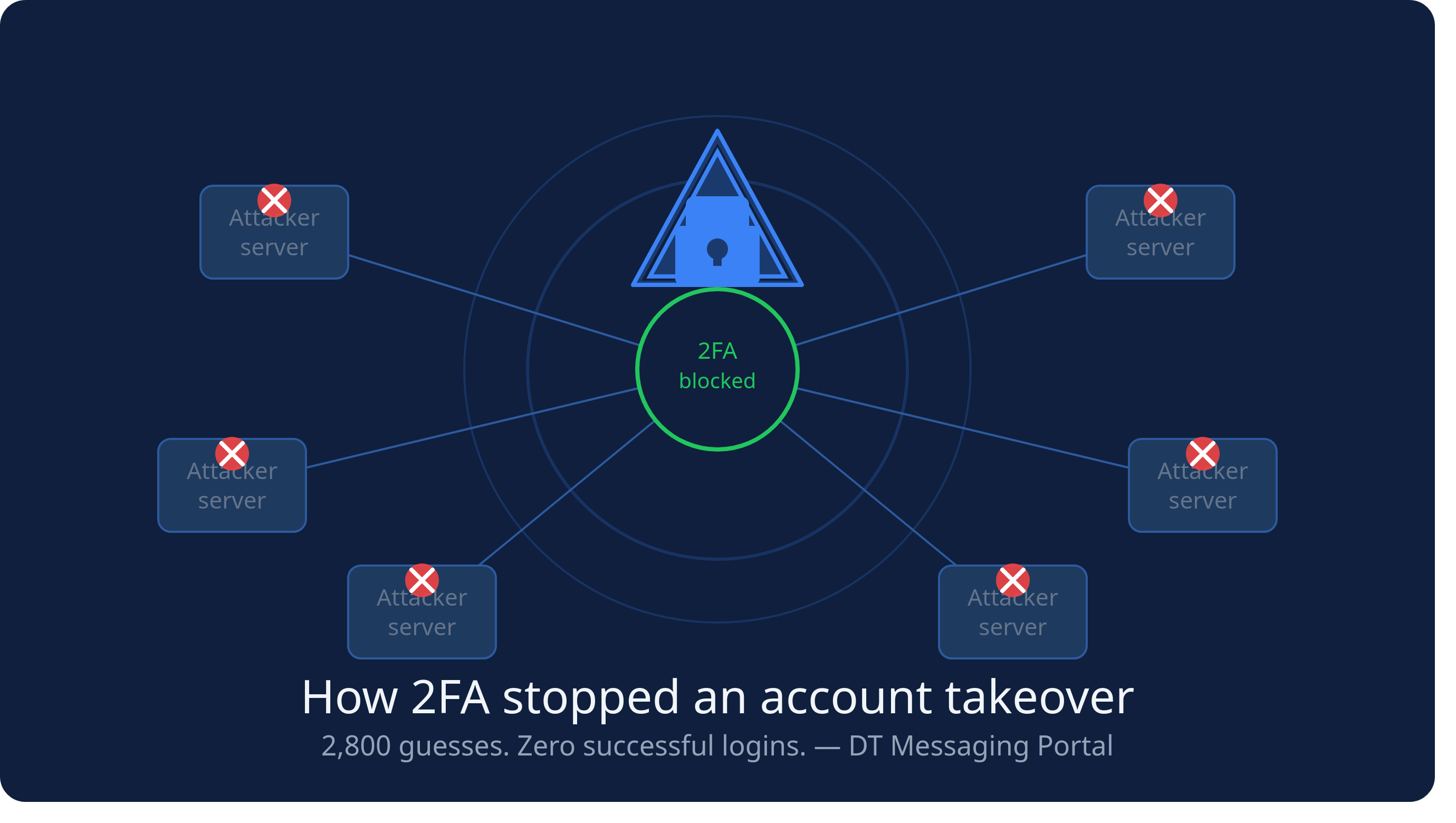
On Friday, 23 October, an attacker found a flaw in DT's Messaging's password reset and used it to take over three accounts' passwords in under an hour. They still didn't get into a single dashboard. This post explains what happened, why it didn't become a breach, and what we changed.
The flaw
A password reset should only ever reach you through something that proves the account is yours, usually your email inbox. Ours sent the reset link by email, but a bug also handed the same reset code to the browser that asked for it as a cookie. So anyone who knew an account's username or email address could ask for a reset and use the code themselves, without ever seeing the email.
In the early hours of 23 October, an automated attacker running from rented cloud servers did exactly that. They guessed account names, found three that existed, and set new passwords on all three. One of them was our own.
Why it stopped there
A password alone doesn't get you into the portal. After the password, we send a six-digit code by SMS to the account's registered phone, and you need that code to continue. The attacker had the passwords but not the phones.
They tried guessing. Over about 15 minutes they spread roughly 2,800 guesses across eight servers. Every one failed. The server logs show no successful sign-in, and no messages were sent or credit used from any account.
We'll be honest: our code check had no limit on wrong guesses, which is how they could make so many. With a million possible codes, 2,800 guesses gave them well under a 1% chance. That's small, but it shouldn't have been possible at all, and it isn't any more.
What we fixed, the same morning
- Reset links are now only sent by email, work once, and expire after 20 minutes. Requests are rate-limited, and the page no longer reveals whether an account exists.
- One-time codes expire after 5 minutes and allow 5 attempts.
- Repeated failed sign-ins are blocked for 15 minutes.
- Sessions are renewed after sign-in, better protected in the browser, and end after an hour of inactivity.
- We reset every customer's password as a precaution.
We reviewed our other systems, including payments, ordering and this blog, for similar weaknesses, and fixed what we found.
The lesson: turn on two-factor authentication everywhere
Passwords fail in many ways: reused, guessed, phished, leaked by someone else's breach, or, as here, by a bug in the service itself. You can't control most of those. You can control whether a password alone is enough. On 23 October, that one setting was the difference between a bad morning and a breach.
- Turn it on wherever it's offered: email, banking, mobile money, social media, and every business tool you use.
- Prefer an authenticator app or security key over SMS where you can. SMS codes are much better than nothing, but a SIM swap can defeat them.
- Use a different password for every service, and a password manager to keep track of them.
If you run a service yourself, make sure that a reset can only ever be completed through a channel that proves ownership, and that every code or password check has a limit on attempts.
If you're a DT customer
You'll have received an email from us. Your old password no longer works; set a new one via the link provided in that email. Your API integrations are unaffected. If you have questions, contact us at messaging@dtechghana.com.
We're sorry this happened. We'll keep looking for ways to improve, and we're exploring stronger sign-in options for our platforms.
Comments
No comments yet.